Windows 11 April 2026 Update: 8 Powerful Features Jo Aapka PC Experience Better Bana Denge
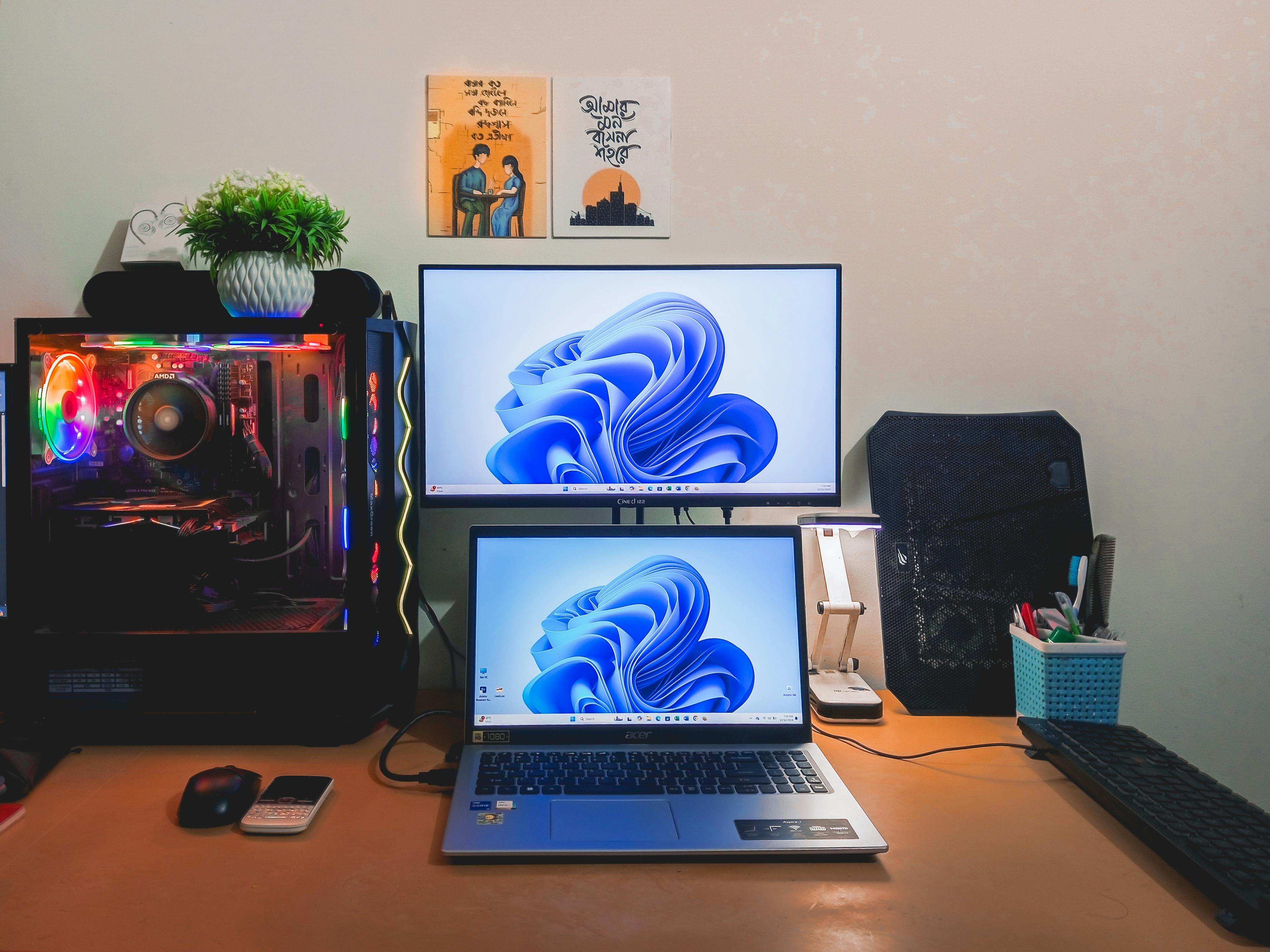
© 2026 Biswajeet Moharana | Image Source: Pexels
Windows 11 April 2026 Update: 8 Powerful Features Jo Aapka PC Experience Better Bana Denge
Agar aap daily laptop ya PC use karte ho—chahe work ke liye ho, freelancing ya sirf YouTube aur browsing ke liye—ek cheez sabko chahiye hoti hai… smooth experience.
Main khud kaafi time se Windows 11 use kar raha hoon, aur honestly har update pe thoda doubt rehta hai 😅
Lekin iss baar ka April 2026 update thoda different feel ho raha hai—kyunki isme real-life useful changes aaye hain.
🔍 Smarter Search – Ab PC aapko better samajhne laga hai
Pehle search bar mein exact naam yaad na ho toh file milna mushkil ho jata tha.
Ab system AI ki help se related results suggest karta hai—even agar spelling galat ho.
- Faster search results
- Better suggestions
- Apps + files ek jagah
Yeh feature daily kaam mein kaafi time save karta hai.
🎤 Voice Typing Upgrade – Typing ka tension kam
Agar aap typing se bore ho jate ho ya fast kaam karna chahte ho, toh yeh feature kaafi useful hai.
Ab voice typing zyada accurate ho gaya hai aur Hinglish bhi easily samajh leta hai.
- Better speech recognition
- Hindi + English mix support
- Less background noise issue
Bloggers aur content creators ke liye yeh ek game-changer ho sakta hai.
🖼️ AI Image Description – Smart aur helpful
Ab Windows images ko automatically describe kar sakta hai.
Yeh specially useful hai jab aapko kisi unknown image ka idea chahiye ho.
Accessibility ke liye bhi yeh ek strong improvement hai.
⚡ Better Performance – Fast aur smooth experience
Is update ke baad system performance mein noticeable improvement dekhne ko milta hai.
- Apps faster open hote hain
- System lag kam feel hota hai
- Battery backup improve hota hai
Especially laptops mein yeh difference clearly feel hota hai.
🔒 Security Improvements – Data zyada safe
Aaj ke time mein security sabse important hai.
Windows 11 ne is update mein malware aur phishing protection improve kiya hai.
- Better threat detection
- System vulnerabilities fix
- Safer browsing experience
Yeh changes background mein kaam karte hain, lekin impact bada hota hai.
🧑💻 Multitasking Improvements – Kaam aur easy
Agar aap ek saath multiple kaam karte ho, toh yeh update aapke liye helpful hai.
- Snap layouts improved
- Window switching fast
- Better multi-screen support
Freelancers aur developers ke liye yeh productivity boost hai.
🌐 Better Connectivity – Internet issues kam
Wi-Fi aur updates ke issues bhi improve kiye gaye hain.
- Stable internet connection
- Faster updates
- Less interruptions
Matlab kaam ke beech mein unnecessary pause kam hoga.
🎨 UI Improvements – Clean aur modern feel
Design mein chhote changes kiye gaye hain jo overall experience better banate hain.
- Smoother animations
- Refined icons
- Better visual feel
Yeh wo changes hain jo aap feel karte ho, bhale hi notice na karo.
🤔 Kya aapko update karna chahiye?
Short answer: Haan, lekin thoda smart way mein.
- Important data backup kar lo
- Free time mein update karo
- Immediate work ke beech avoid karo
Har system alag hota hai, isliye thoda careful rehna better hai.
🔥 Quick Recap
- Smarter AI search
- Improved voice typing
- AI image description
- Better performance
- Strong security
- Improved multitasking
- Stable connectivity
- Clean UI updates
💭 Final Thoughts
Technology fast change ho rahi hai… aur Windows bhi uske saath evolve ho raha hai.
Yeh update koi flashy change nahi hai, lekin daily use mein chhoti-chhoti improvements laata hai.
Kabhi kabhi life mein bhi aise hi hota hai—bade changes nahi, chhoti improvements hi real difference create karti hain.
Shayad isi liye yeh update simple hote hue bhi kaafi meaningful lagta hai.